

Account Deletion at DomoticPig
Welcome to the DomoticPig account deletion help page. We understand that for various reasons, you might decide to delete your account at some point. We are committed to respecting your right to privacy and to managing your own personal data.
Instructions for account deletion:
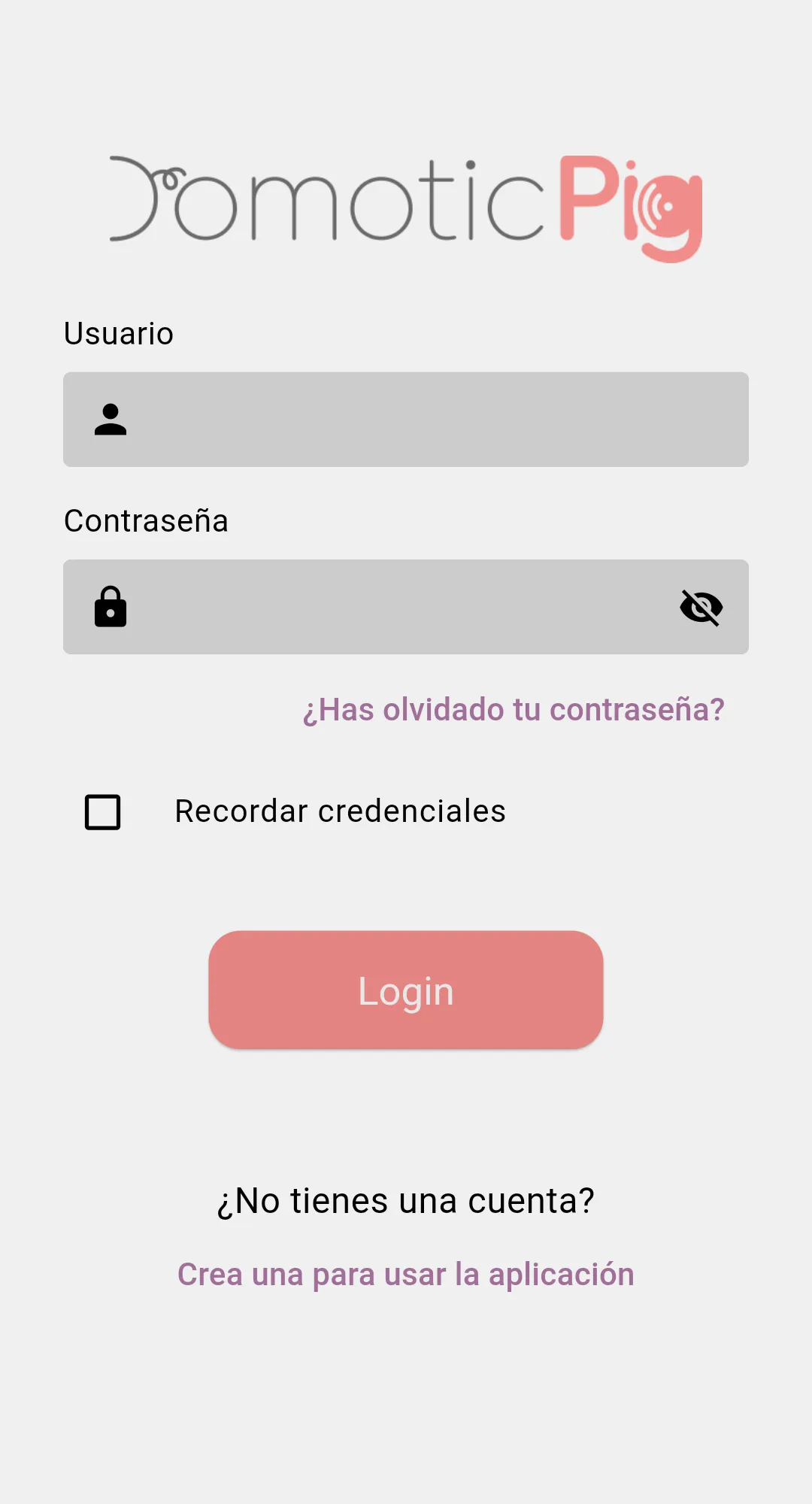
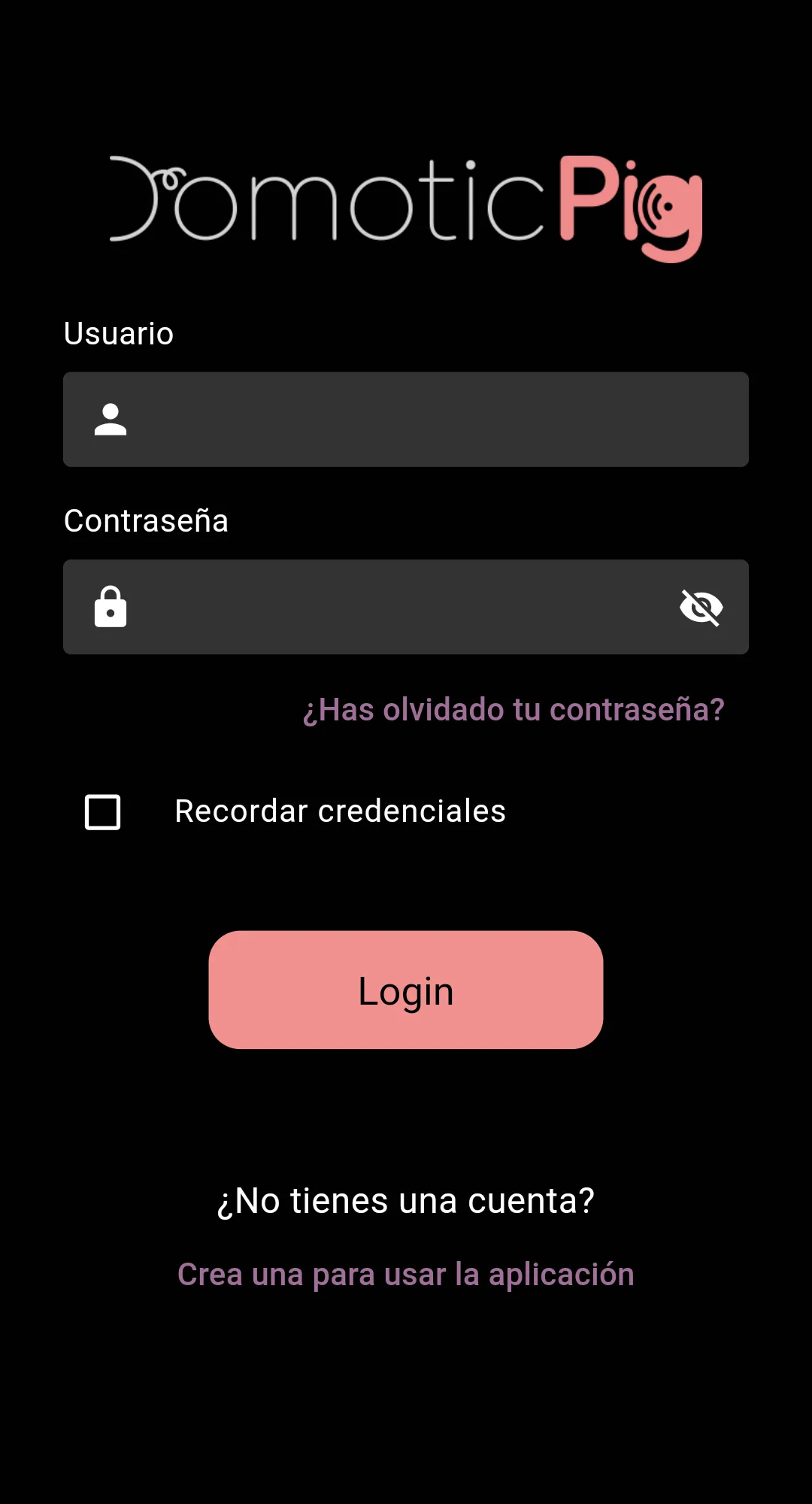
- Identity verification: To begin the process of deleting your account, we will need to verify your identity, for which you must log in to the app.
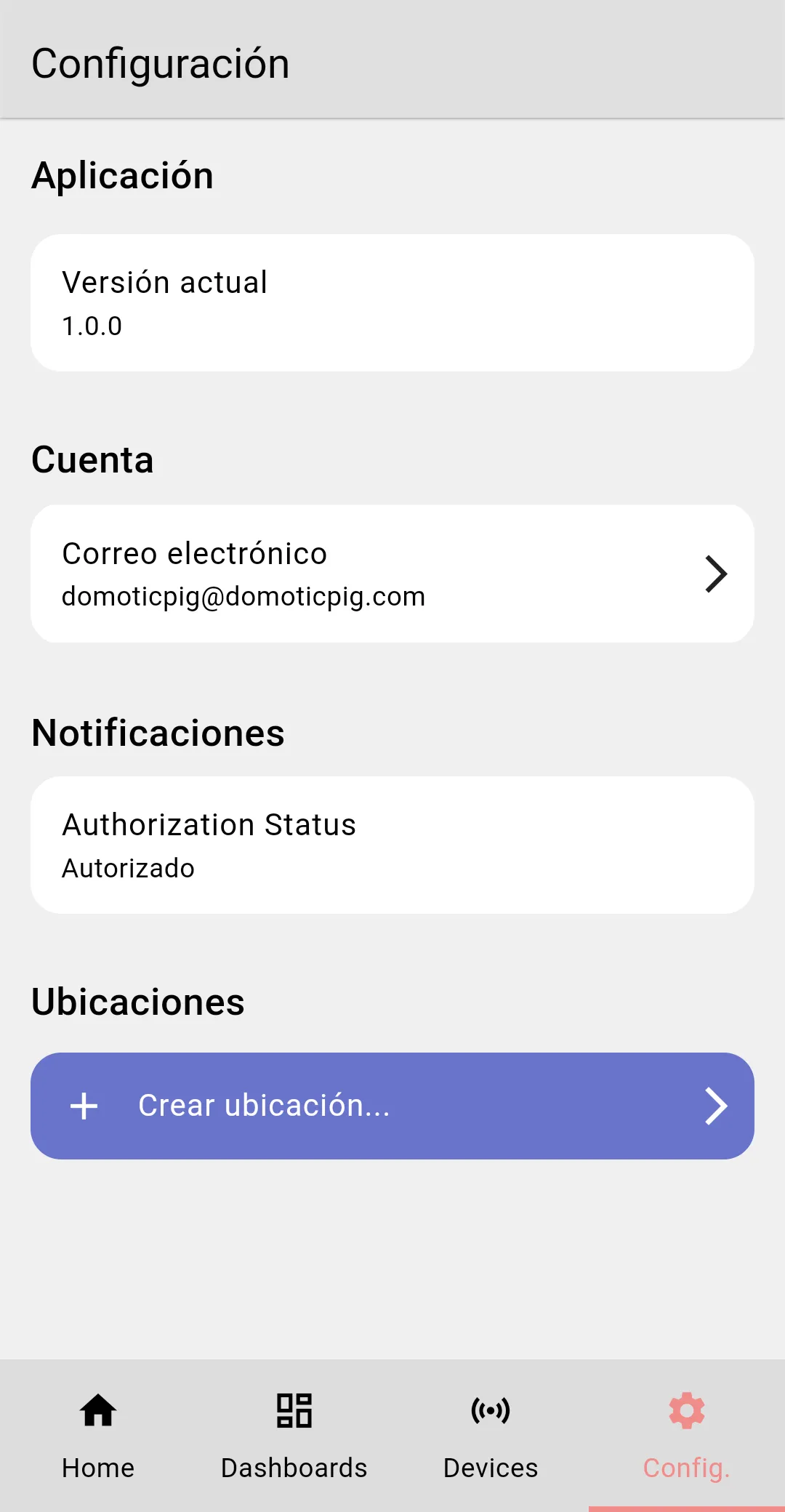
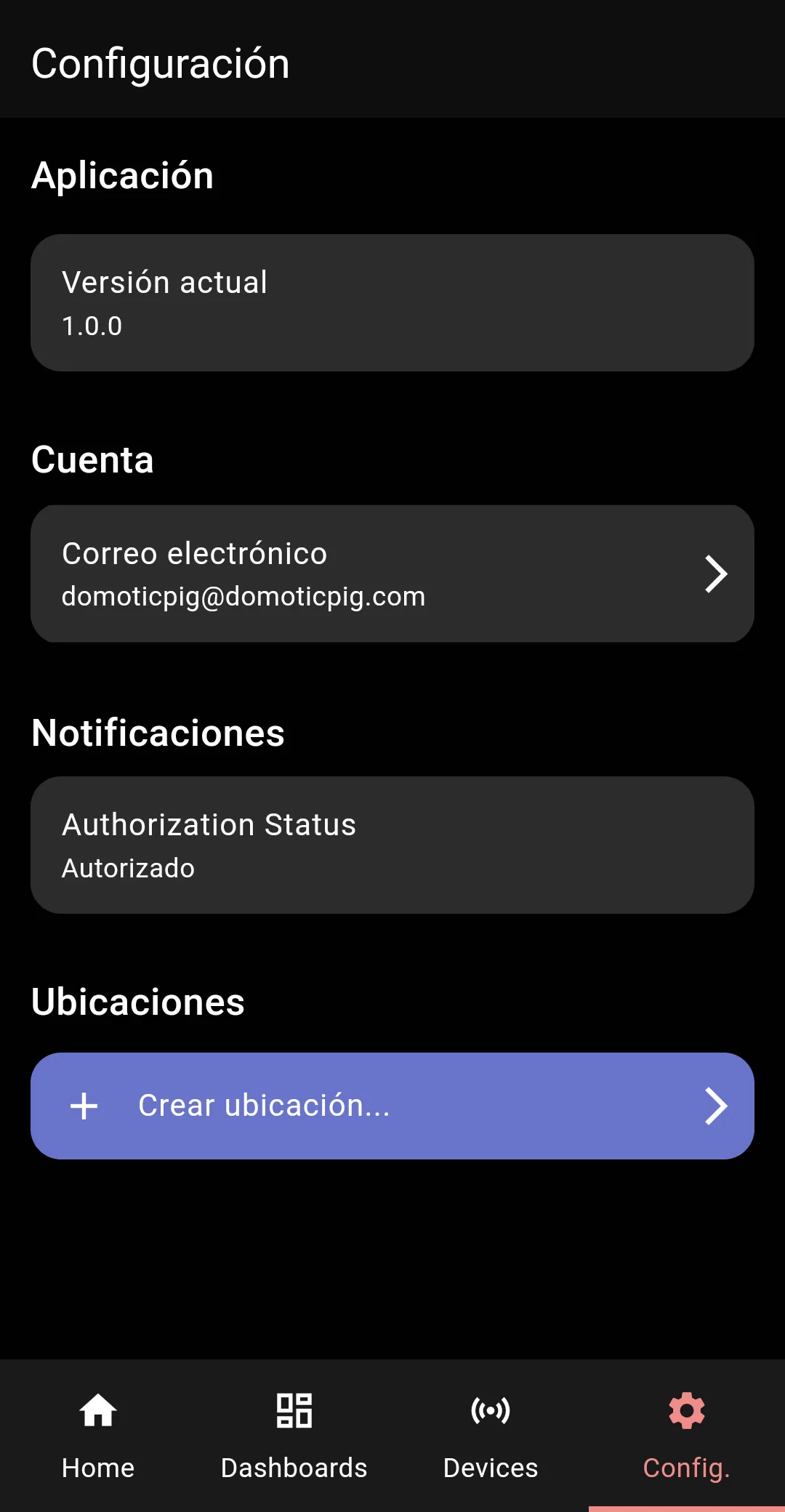
- Access "Settings": Once logged in, you will find a button labeled "Config." By pressing this button, you will access a screen to manage your account.
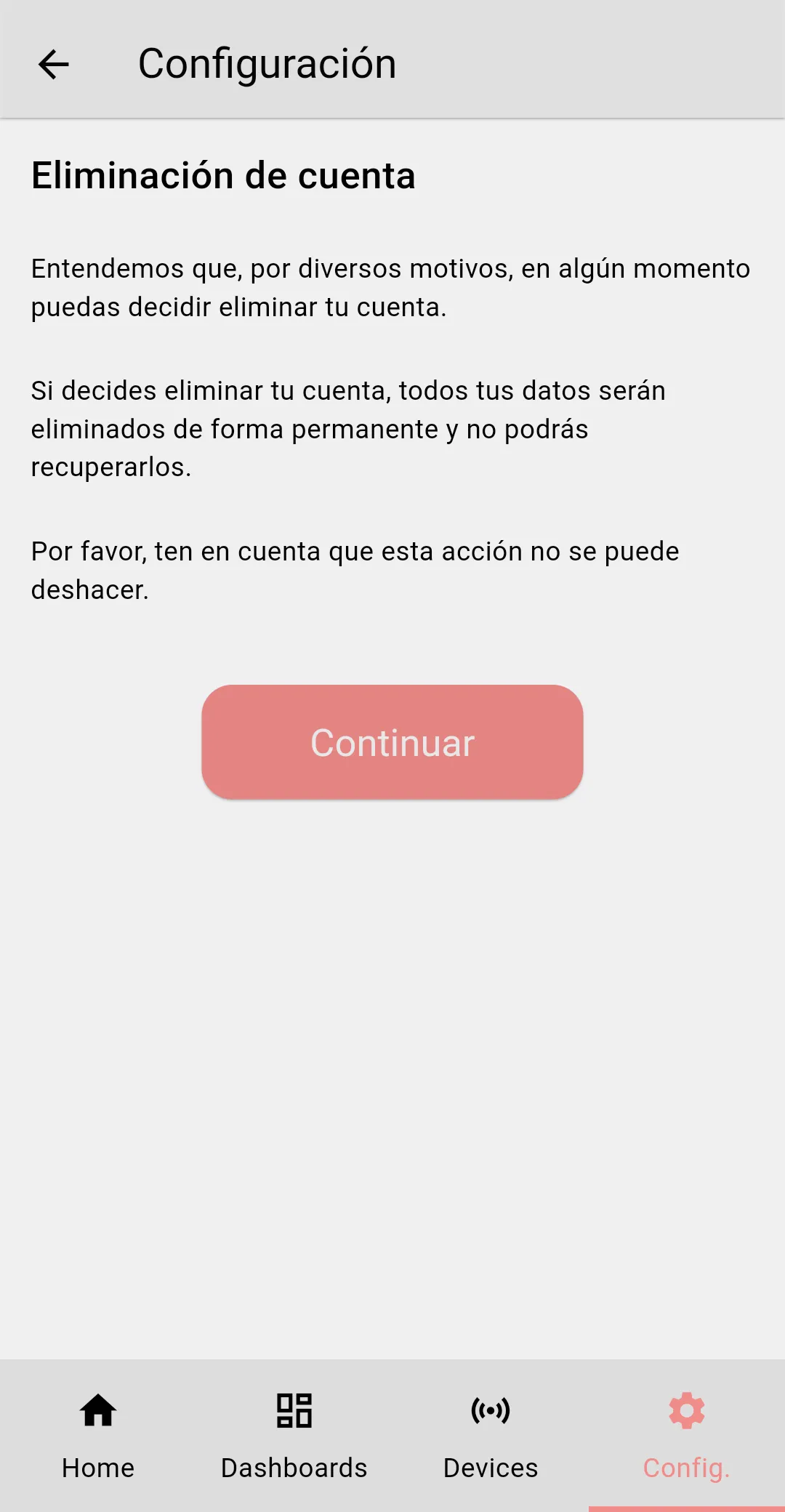
- Request deletion: Once you reach the account management screen, you will find a link labeled "Delete account." By clicking on this link, you can initiate the deletion process.
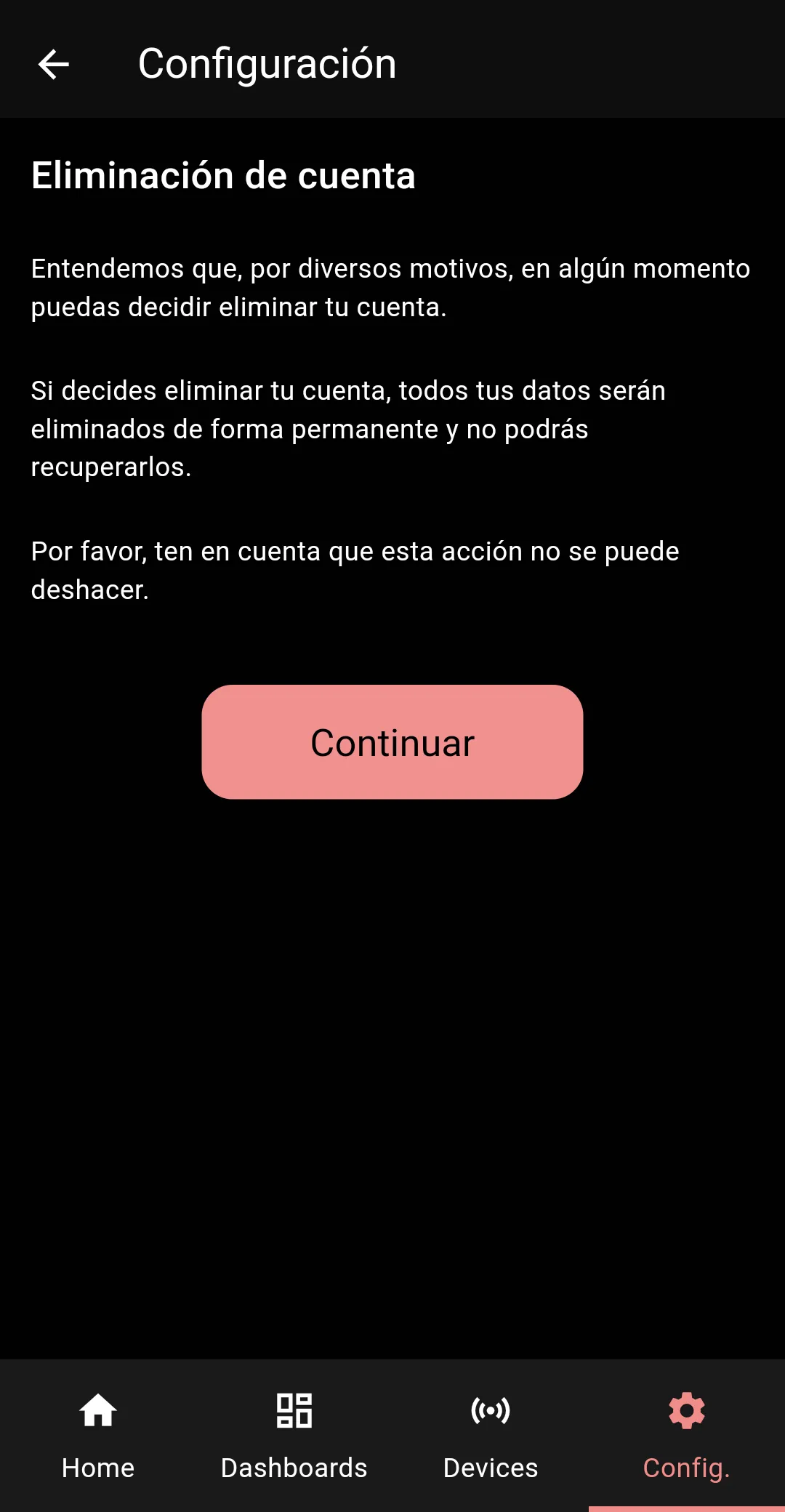
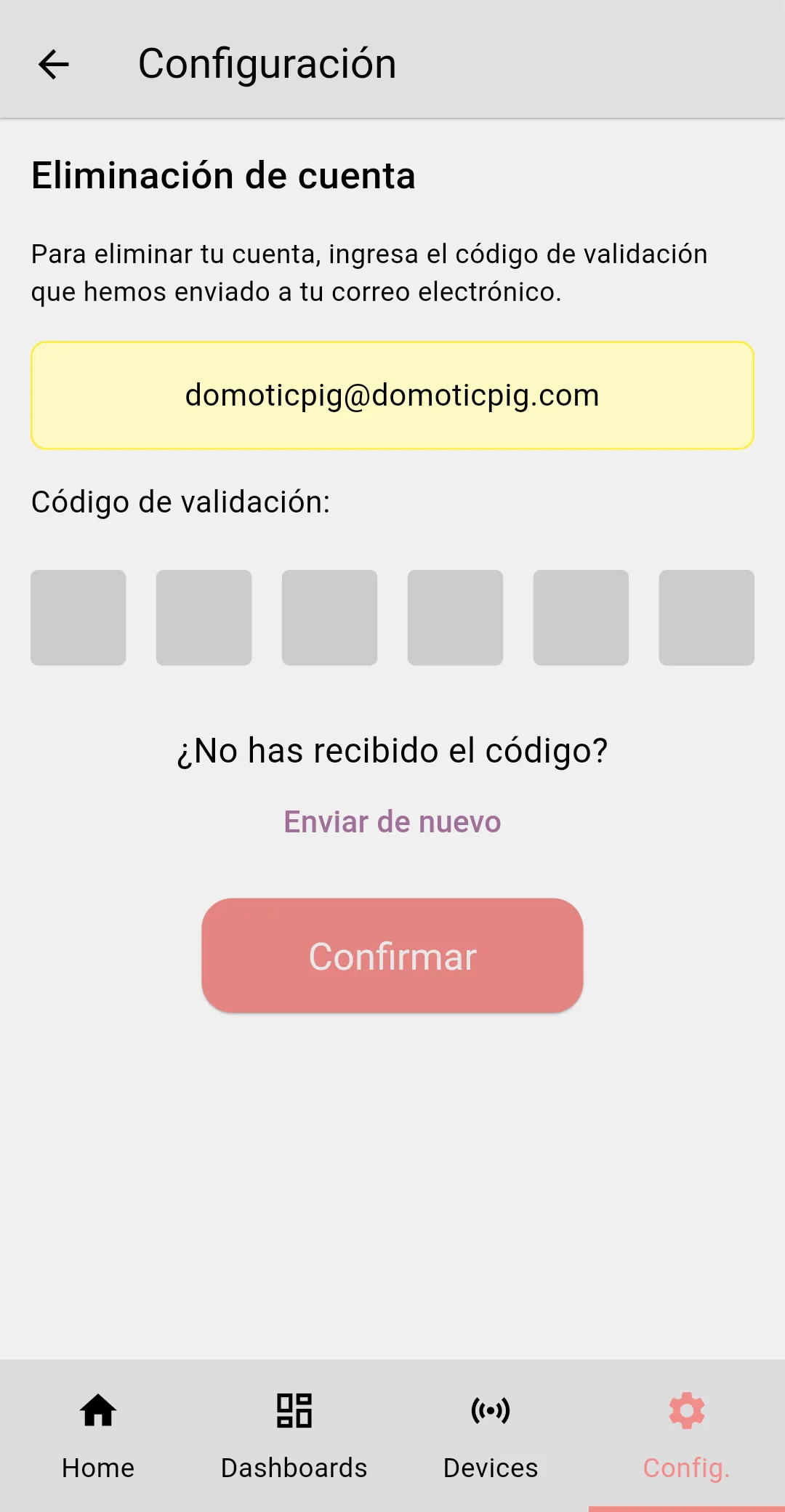
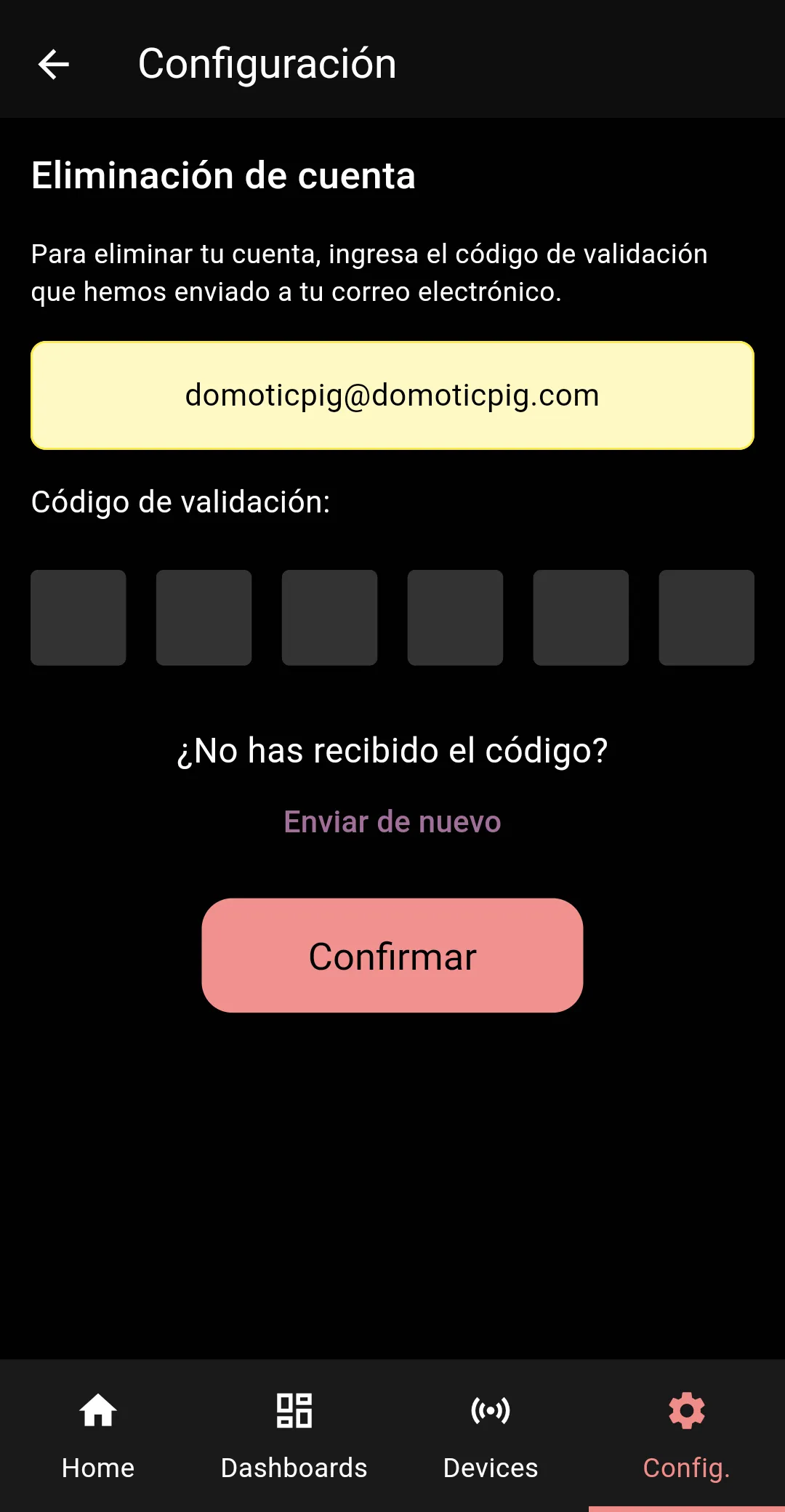
- Confirmation of deletion: You will be asked to confirm your request for account deletion. It is important to note that once the account is deleted, all data associated with it will be permanently erased and cannot be recovered.
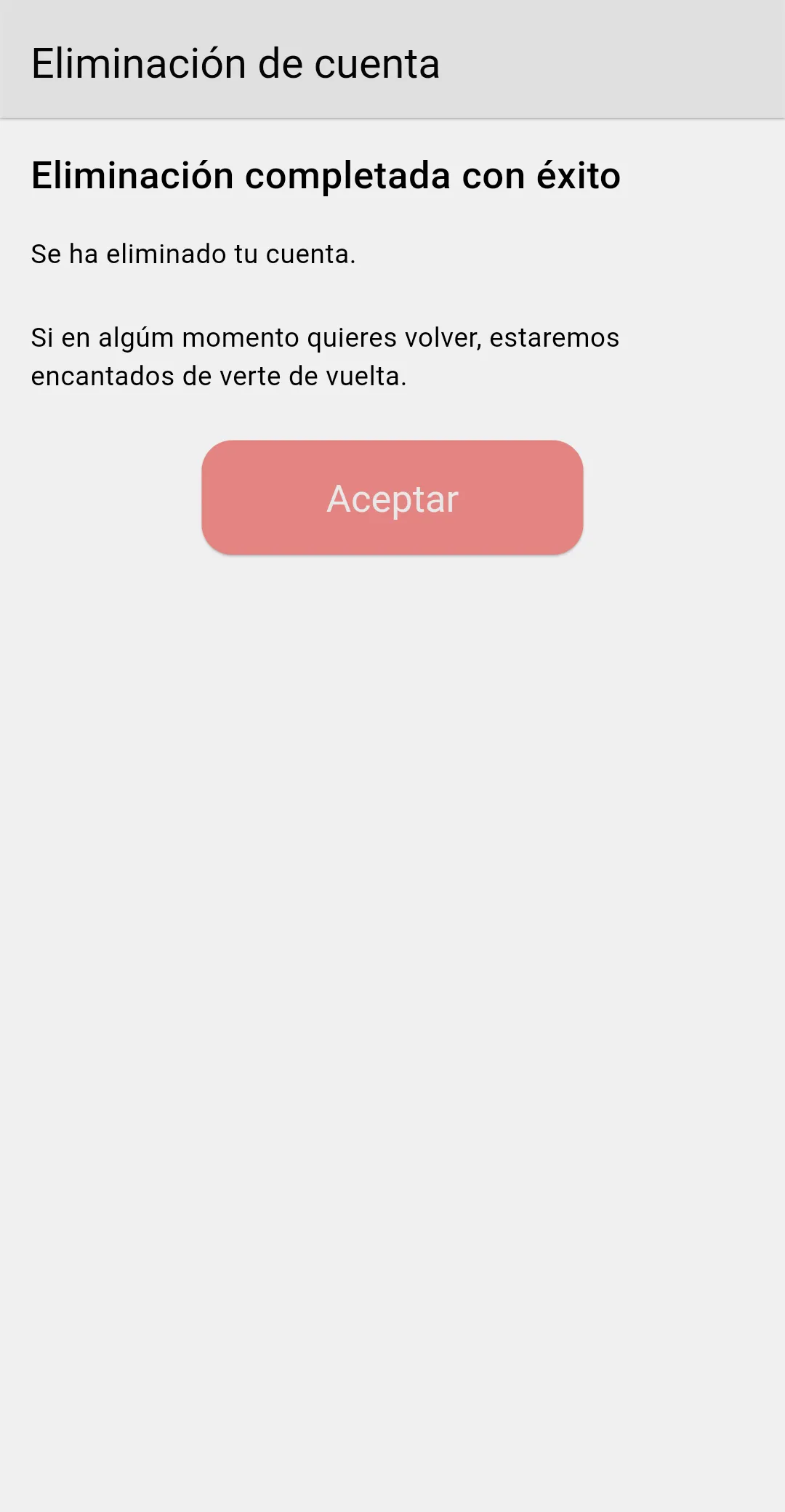
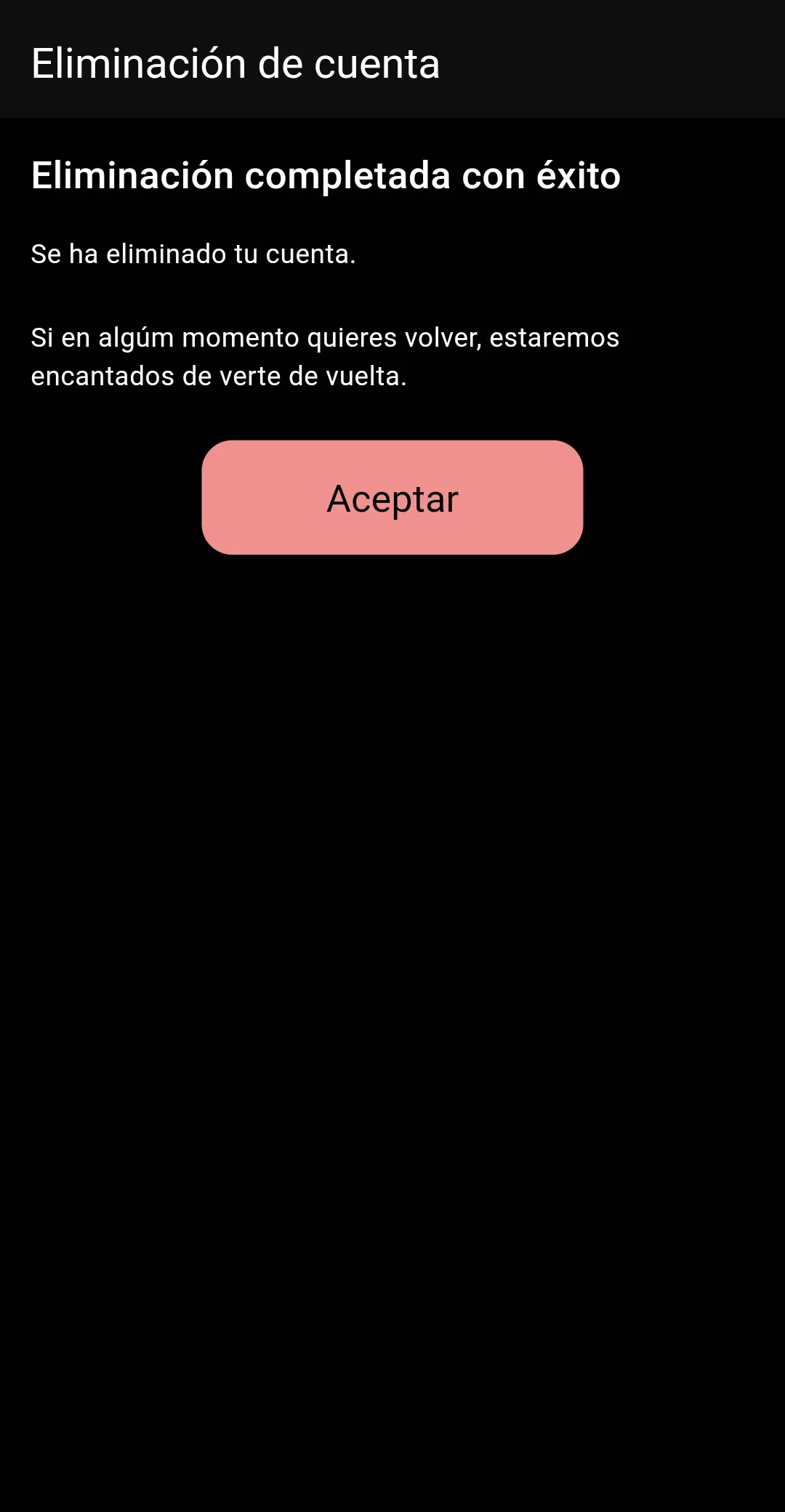
- Deletion process: Once deletion is confirmed, your account will be immediately deactivated and data associated with it will begin to be securely erased from our servers. The entire process can take up to 30 days.
If you have any questions or need assistance during this process, please do not hesitate to contact our technical support team at soporte@domoticpig.com.